
Every page.
One place.
Open a page below, then use the page switcher above to explore the full website.
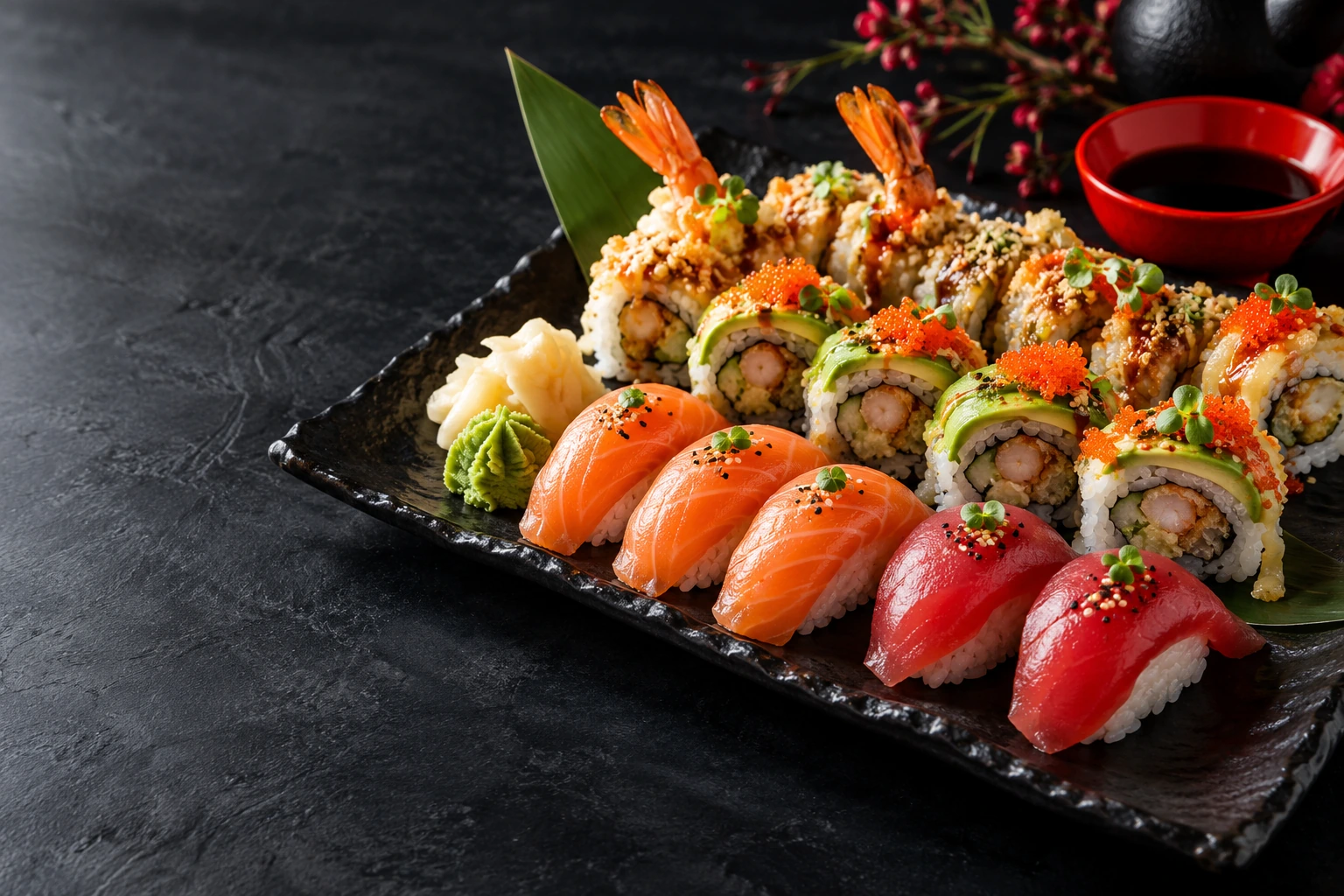 16 PAGES & VIEWS TO EXPLORE
From first look
to favourite bite.
Seven pages for discovering the menu,
ordering and planning a visit.
01Home
First impression, signature dishes and the Hoshiba story.
Open page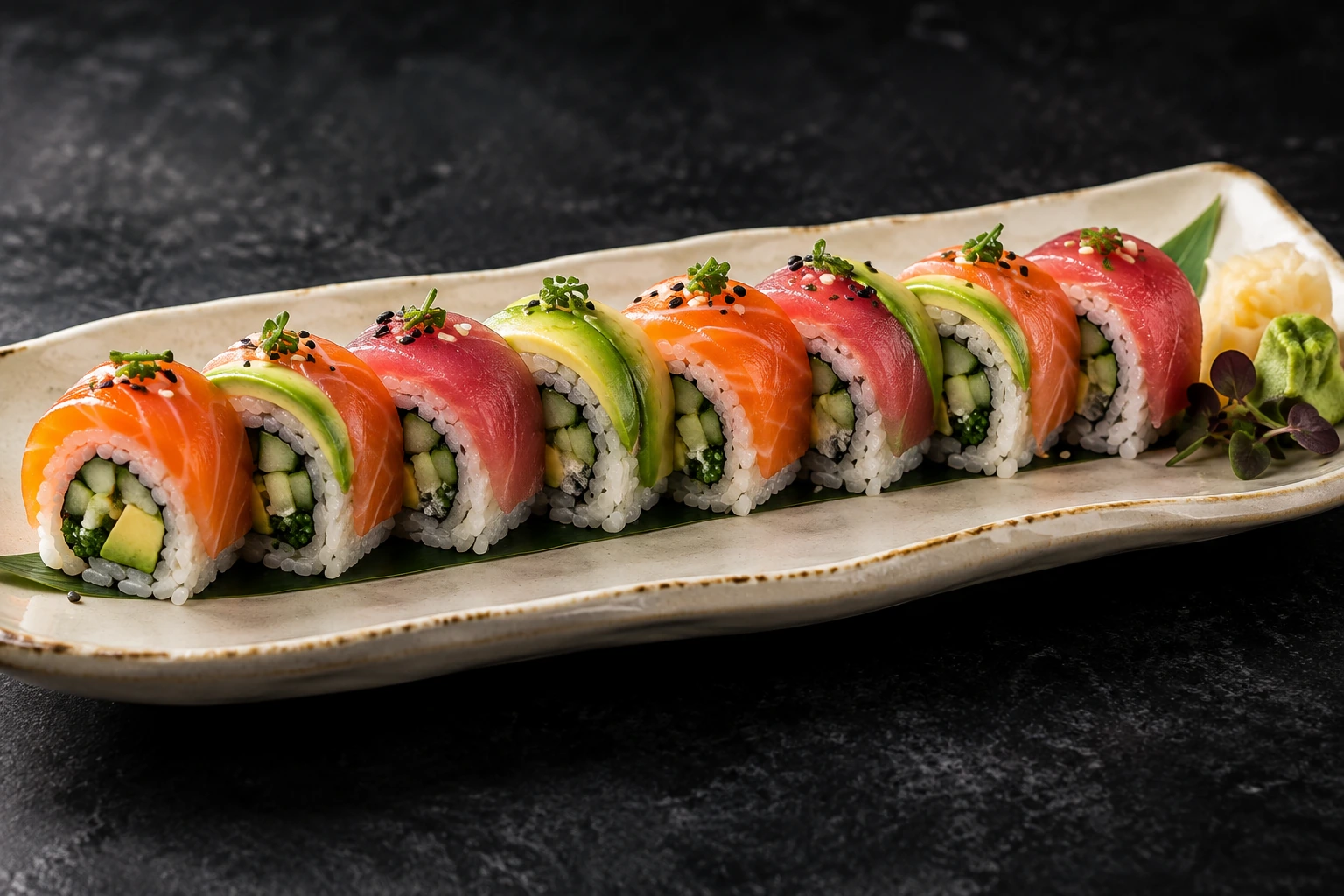 02
The menu
Browse every category, search dishes and filter by preference.
Open page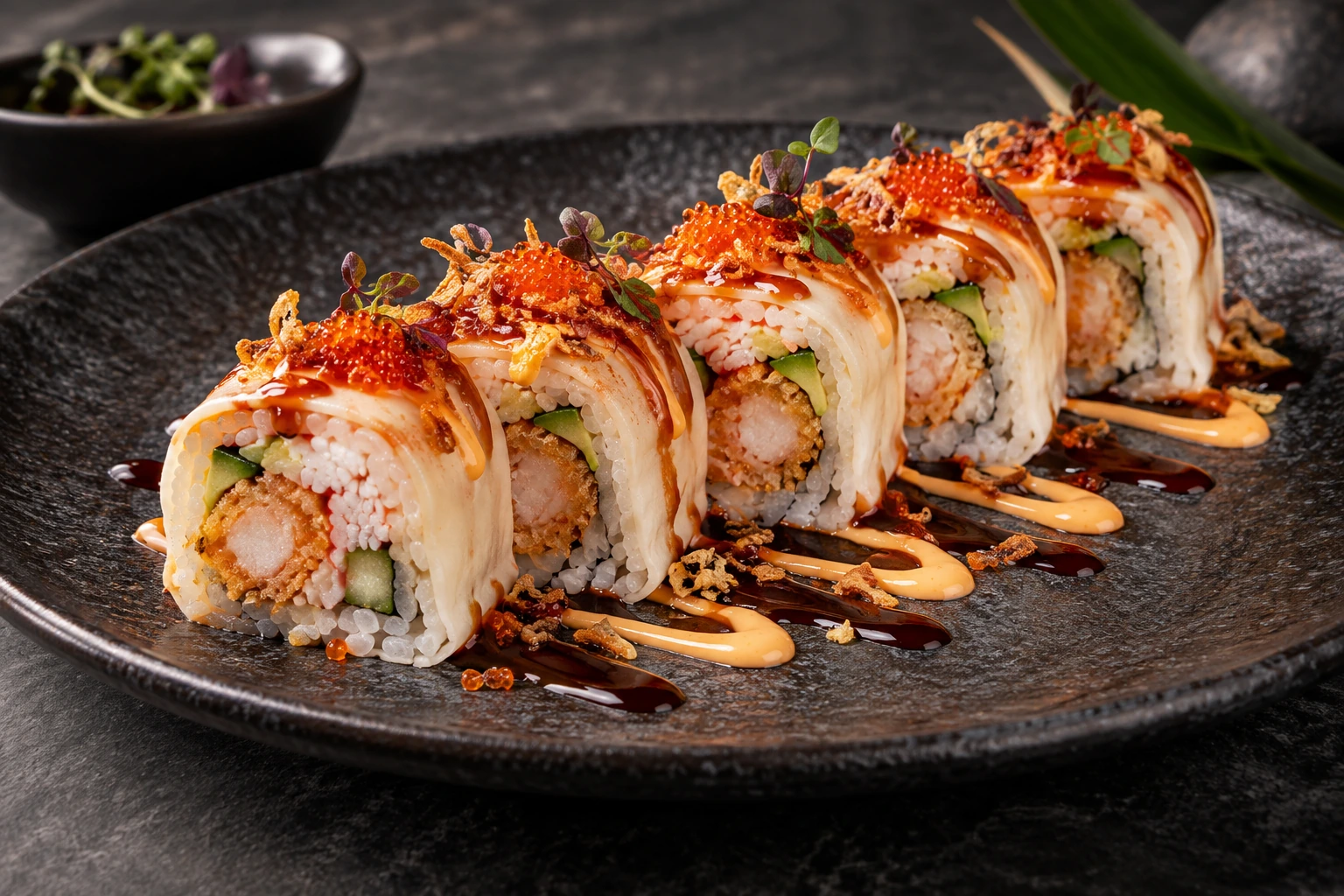 03
Dish details
Ingredients, sauces, extras and adding a dish to your order.
Open page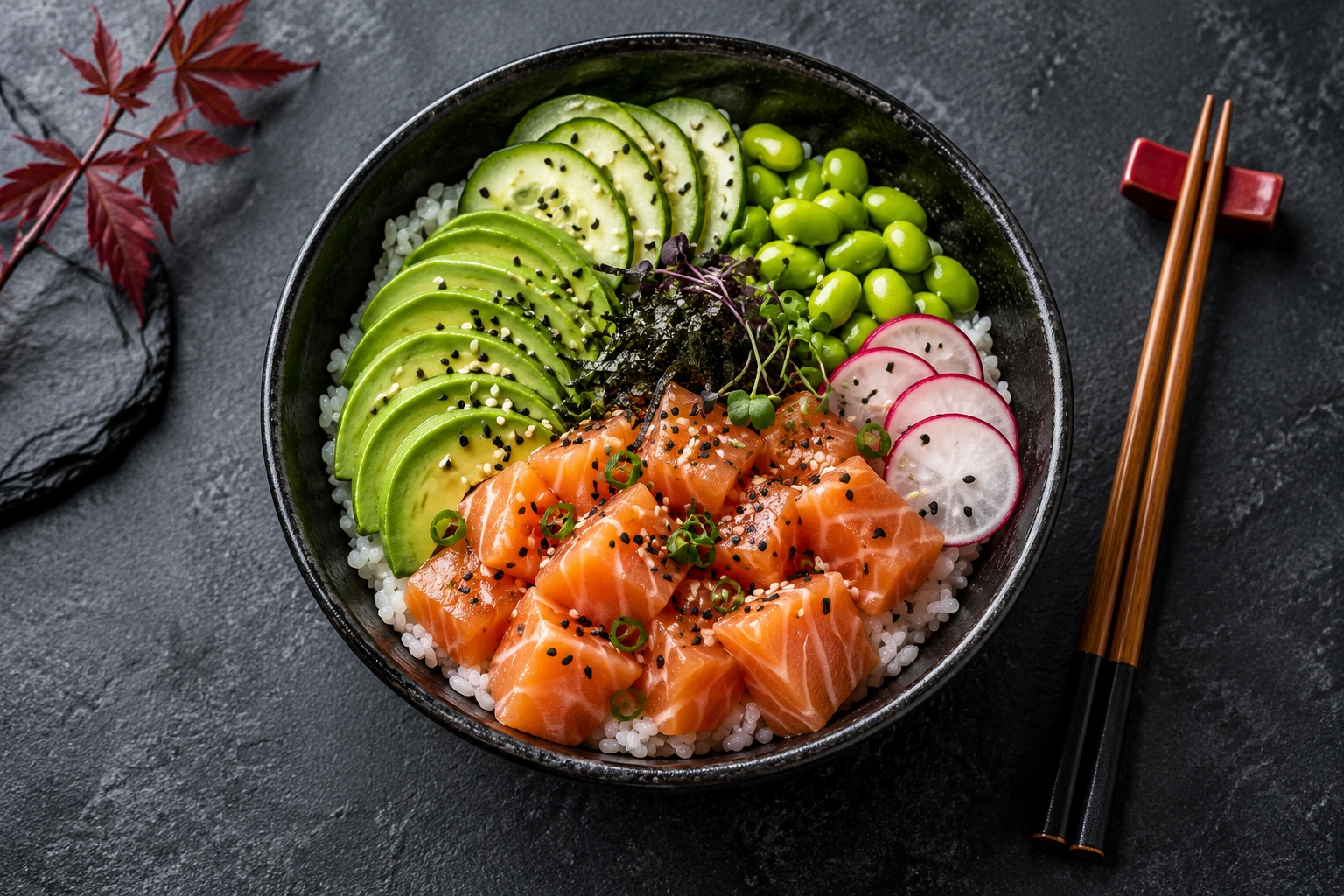 04
Build a bowl
Choose a base, protein, toppings and sauce, with a running total.
Open page 05
Book a table
Party size, calendar, available times and guest details.
Open page06Our story
The brand, the food and the experience behind Hoshiba.
Open page07Contact
Visit information, enquiries and catering requests.
Open pageThe complete
ordering journey.
Sample views let you review checkout and confirmations without submitting an order or booking.
Your basket
Your current order, including the empty basket design.
Open page SAMPLE VIEWCheckout with items
A sample basket, quantity controls, pickup times and customer details.
Open page SAMPLE VIEWOrder confirmation
Pickup details, the order summary and preparation status.
Open page SAMPLE VIEWBooking confirmation
The table confirmation with date, time and guest count.
Open pageA place for
every service detail.
These pages show the saved test records.
Staff changes are saved when you make them.
Orders
Incoming orders, order details and preparation status.
Bookings
Reservations, service dates and seating status.
Menu
Menu prices and available or sold-out dishes.
Inbox
Enquiries sent through the contact page.
Settings
Ordering availability and restaurant contact details.
Private review website. Sample checkout and confirmation views do not create records. Ordering and reservations remain in test mode.